API keys
Create and revoke keys for the Noplag API, live versus test mode, and where connected apps are managed.
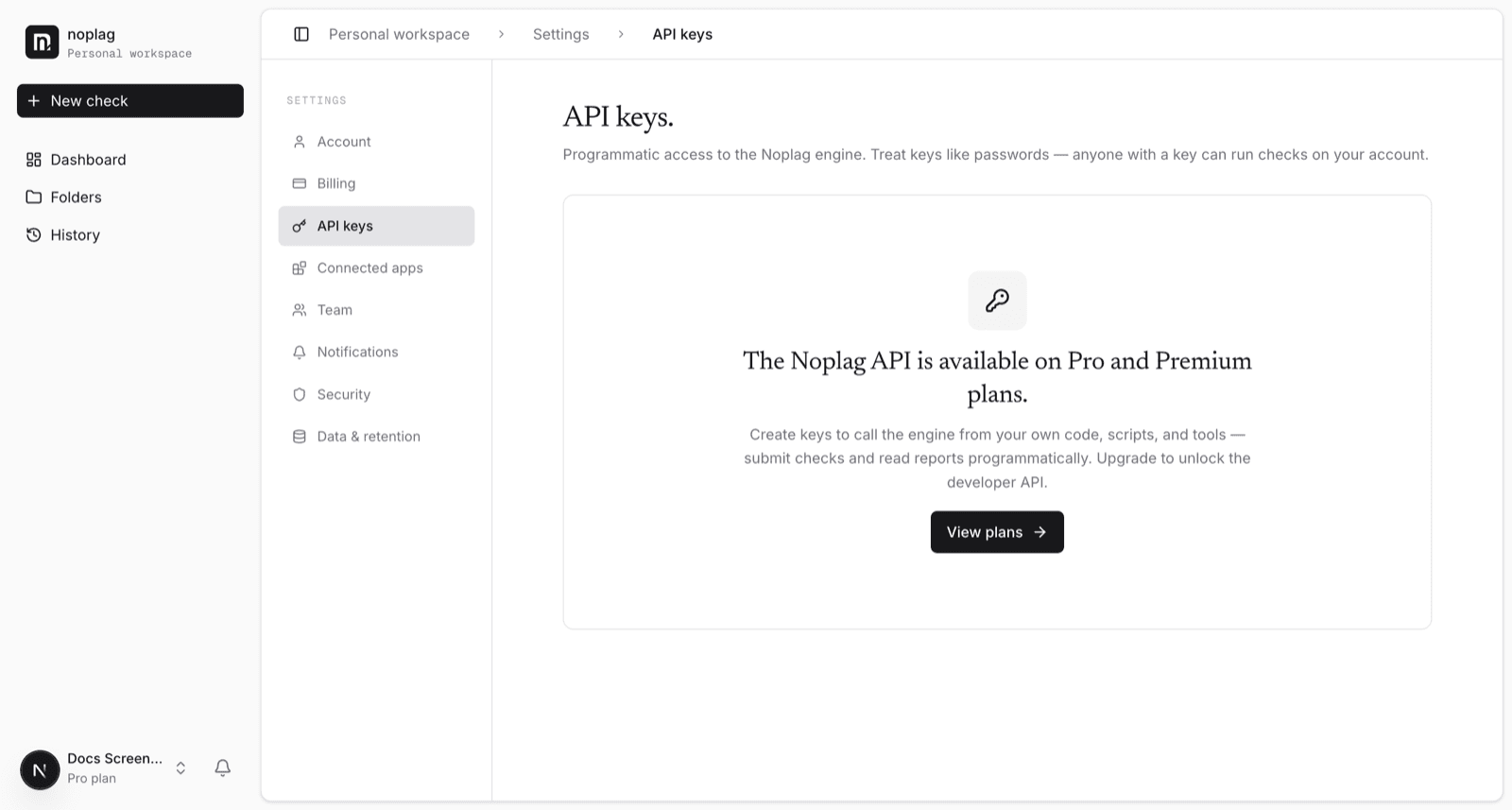
The Noplag API lets you run checks programmatically against the hosted product — same pipeline, same corpora as in-app checks. API access is included on Pro and Premium plans; on the free plan, Settings → API keys shows an upgrade prompt.
Creating a key
Open Settings → API keys → Create key.
Name the key and choose its mode:
| Mode | Behavior |
|---|---|
| Live | Real checks — persist, billed, count toward quota |
| Test | Full pipeline, but never persists, bills, or counts toward quota |
Use test keys while integrating; switch to live when you ship.
Copy the key immediately.
Shown once
The key value is displayed only at creation and can't be shown again. Store it in a secrets manager. If you lose it, revoke it and create a new one.
Revoking a key
Revoke from the same page (with a confirmation step). Revocation is immediate: requests with a revoked key stop working right away. Revoke any key you suspect leaked, and rotate keys when someone with access leaves.
Connected apps
Separate from API keys, Settings → Connected apps lists third-party applications you've authorized with "Sign in with Noplag" — each with the scopes it was granted and a revoke action. Revoking a connected app cuts off its access without affecting your own sign-in.
Self-hosting instead?
If you want to run checks against your own infrastructure and corpus rather than the hosted product, the open-source engine has its own API with no key at all — see the developer docs.