Folders
Organize checks into folders — create, rename, pin, move checks between folders, and what deleting a folder does.
Folders group your checks so a growing history stays navigable — one folder per client, per course, per book chapter, or whatever structure fits.
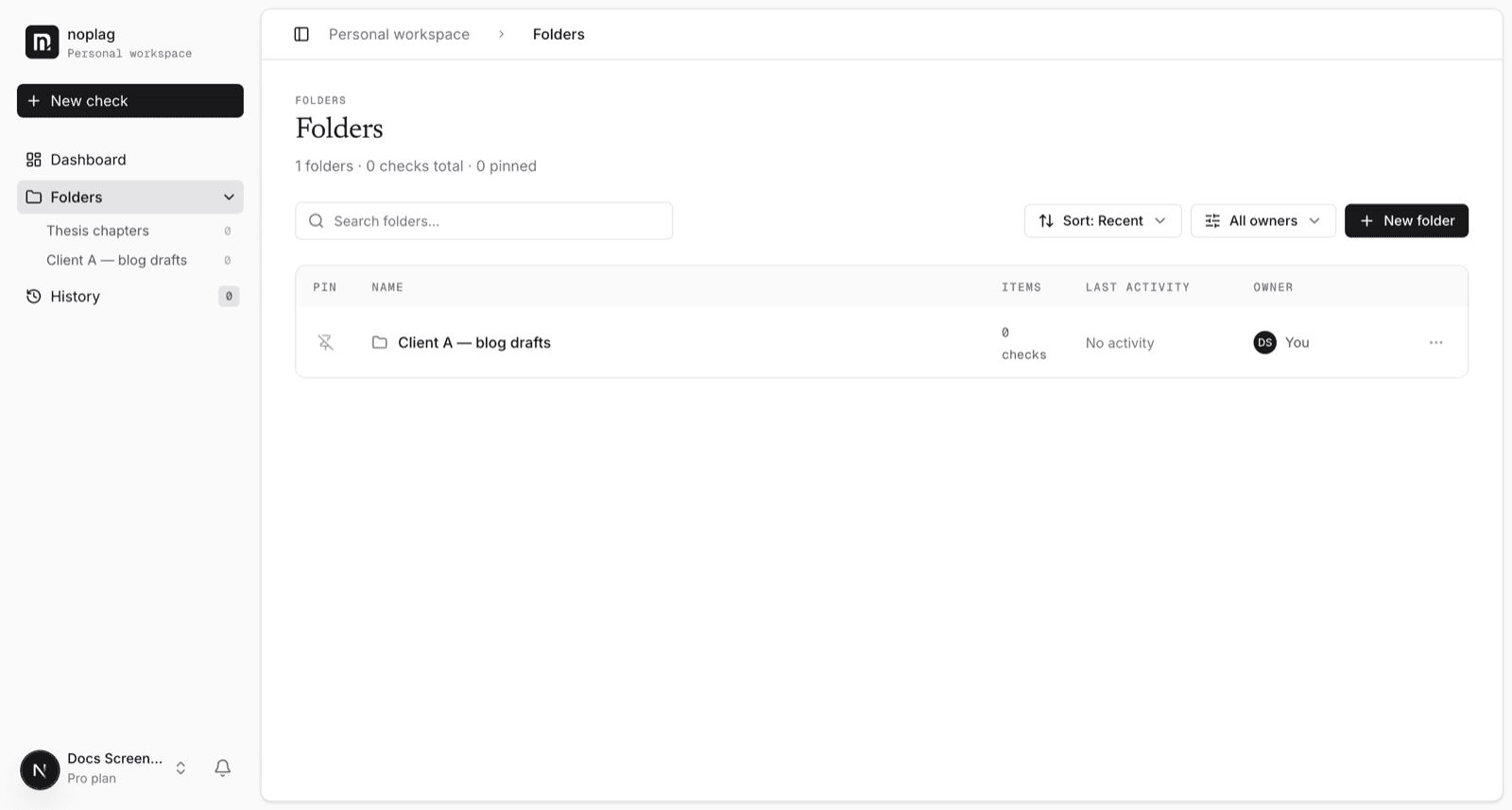
Working with folders
- Create a folder from the Folders page.
- Rename and pin folders from each folder's actions menu — pinned folders stay at the top.
- Move a check into a folder from the check's own actions menu ("Move to folder"), from history, the dashboard, or inside a folder. A check lives in one folder at a time; "Remove from folder" makes it unfiled again.
Deleting a folder
Folders are containers, not the contents
Deleting a folder removes only the folder: its checks are kept and become unfiled — nothing is deleted. Deleting a check (from the check's own menu) is the destructive action, and removes the check and its report permanently.
Coming to folders
Folder sharing with teammates and folder-scoped auto-checks are planned paid features — the actions exist in the menu today but lead to an upgrade notice until they ship. This page will say so plainly when they work.