Managing your account
Change your name and password, understand sign-in methods, review active sessions, and what account deletion covers.
Profile
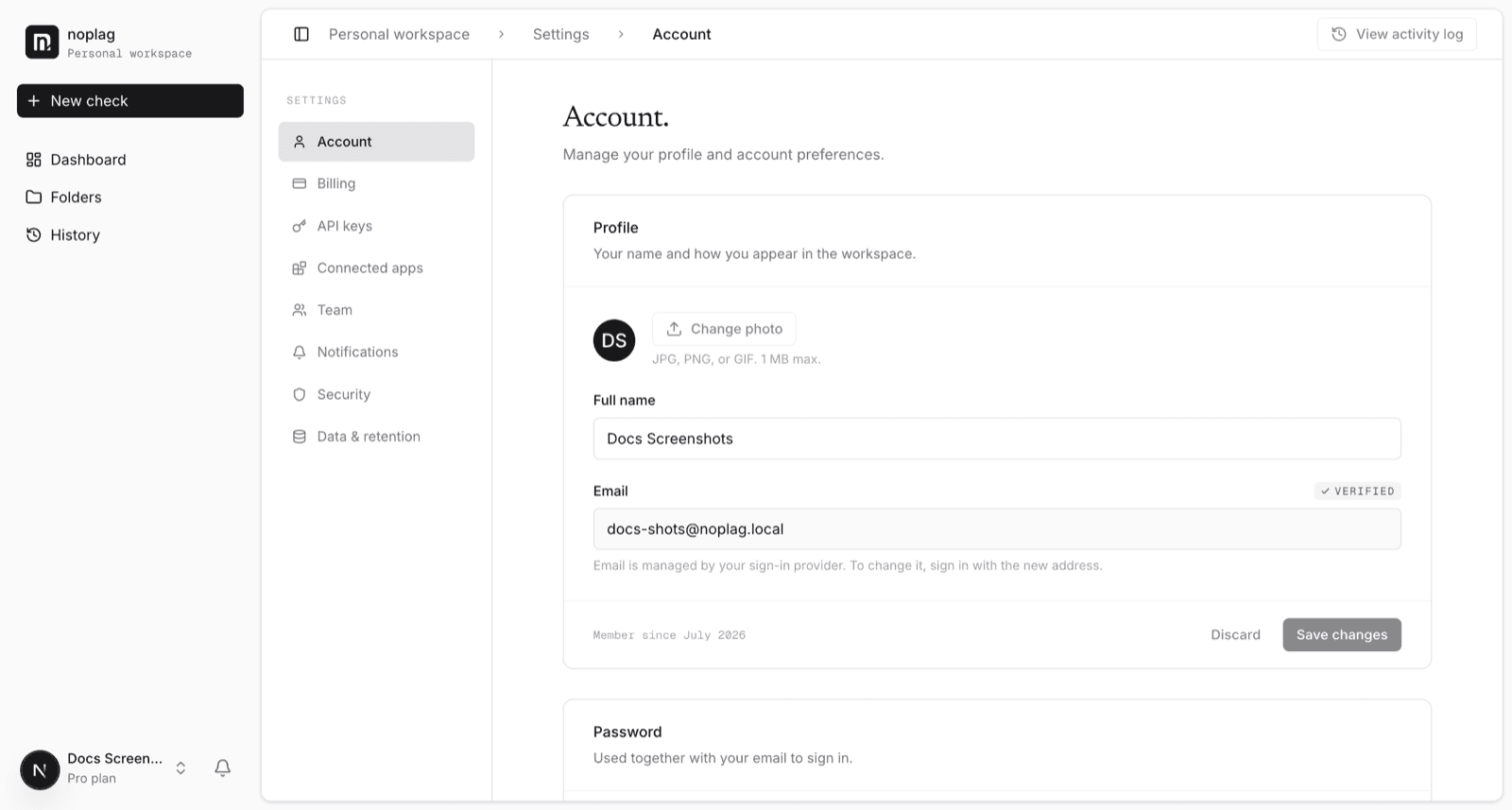
Your display name is editable in Settings → Account. Your email address is managed by your sign-in method — it can't be edited in place. To use a new address, sign in with it.
Sign-in methods
Accounts sign in one of two ways:
- Email and password — created at sign-up with a password.
- Google or Microsoft — created via OAuth. These accounts have no Noplag password; the Account page shows which provider you sign in with.
The two are separate: use the method your account was created with.
Changing your password
Open Settings → Account → Change password.
Enter your current password and a new one (at least 8 characters).
Optionally check Sign out other sessions — do that if you're changing the password because you suspect it leaked.
Forgot your password?
Use "Reset your password" on the sign-in page. You'll get an email with a reset link that expires in 30 minutes.
Why the page always says the same thing
For your privacy, the reset page confirms identically whether or not an account exists for that address. If no email arrives, check the address you typed (and spam) rather than reading anything into the confirmation message.
Email notifications
Settings → Notifications controls which emails Noplag sends you — check completions and account notices. Transactional email (password resets, verification codes) can't be turned off, since you can't use the account without them.
Active sessions
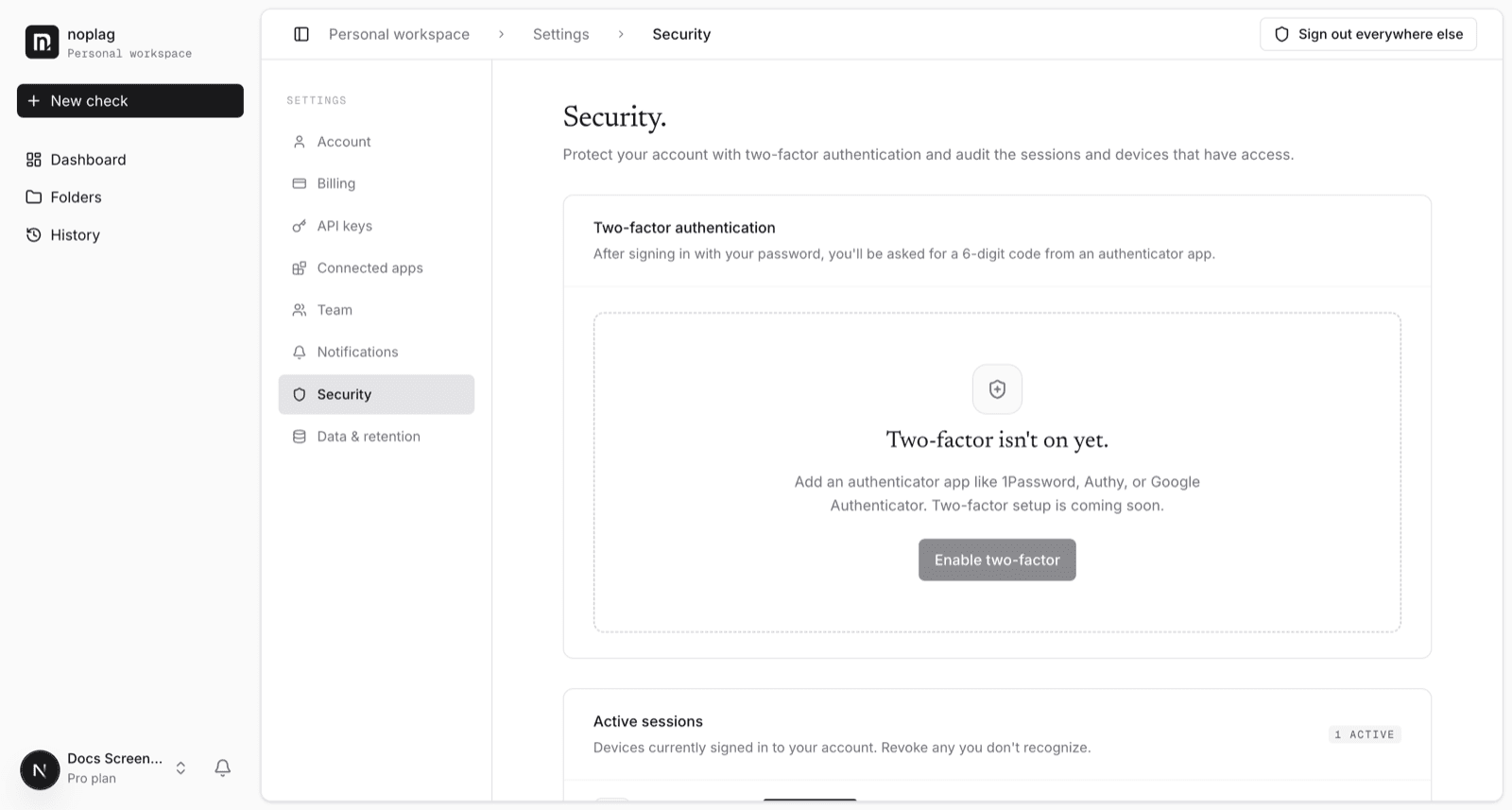
Settings → Security lists every device signed in to your account — browser, IP address, and last activity, with your current device marked. You can sign out any single session, or use "Sign out everywhere" to revoke all of them. Sessions expire on their own after 30 days of inactivity.
Two-factor authentication is not available yet; it's on the roadmap.
Deleting your account
Self-serve account deletion is not available in the app yet — it ships with the data-and-retention settings work. Until then, contact support to request deletion; it removes your profile and sessions, your checks and reports, uploaded documents, folders, and your documents' fingerprints in the Noplag Database. See Account and privacy for what we do and don't keep in the meantime.